
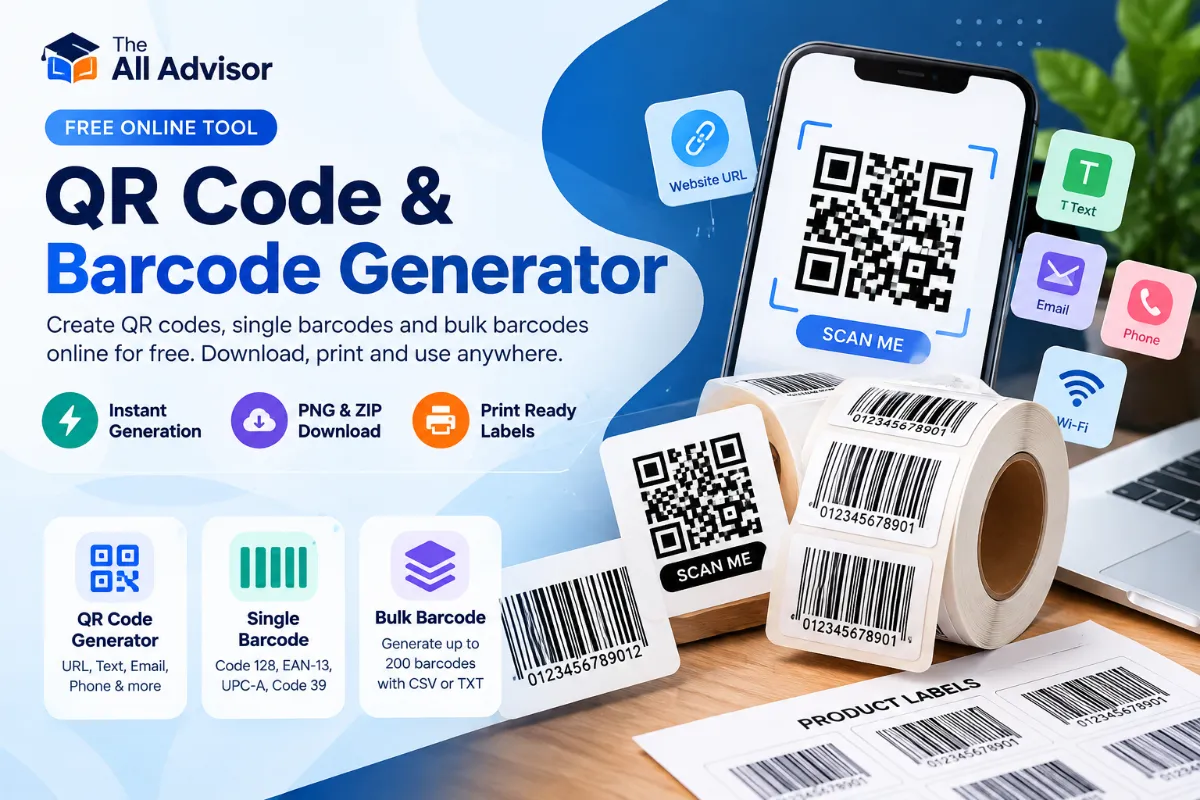
Free QR Code and Barcode Generator – Single & Bulk Codes
Use The All Advisor QR code and barcode generator to create scannable QR codes, single barcodes and up to 200 barcodes in bulk. Generate codes for links, contact details and inventory, then download PNG images, ZIP files or printable labels.
QR Code Generator – Create Free QR Codes
Include https:// for website links.
Tip: Test your QR code with a phone camera before sharing or printing.
Single Barcode Generator – Code 128, EAN-13, UPC-A & Code 39
Code 128 supports common letters, numbers and symbols.
EAN-13 requires 12 or 13 digits; UPC-A requires 11 or 12 digits. Check digits are validated by the barcode library.
How to Create a Barcode Online
Select Code 128 for general inventory labels or EAN-13 / UPC-A for properly assigned retail product numbers. Enter your data, click Generate Barcode, then download the PNG. Barcode generation does not register product numbers with GS1 or assign a legitimate retail GTIN.
Frequently Asked Questions About Barcodes
Can I generate Code 128 barcodes for inventory?
Yes. Code 128 supports alphanumeric inventory identifiers and is useful for internal labeling.
Can I create EAN-13 or UPC-A retail barcodes?
You can render valid numbers as EAN-13 or UPC-A symbols. For retail distribution you generally need an appropriately licensed GTIN from GS1 or another legitimate source, not a made-up number.
Can I download barcode images?
Yes. After generation, use Download PNG to save an image.
What is the difference between QR code and barcode?
A traditional one-dimensional barcode stores data across vertical bars, while a QR code is a two-dimensional matrix that can encode more varied content.
Bulk Barcode Generator – Create Up to 200 Barcodes at Once
Paste one SKU or barcode number per line, or import a plain .txt / one-column .csv file. Generate previews, download individual PNGs together in a ZIP, or print labels. No registration required.
CSV import reads the first column as a code, including quoted cells. Duplicates are kept as separate labels. Maximum 200 entries.
Ready to generate.
Barcode Preview
Showing the first 12 labels; ZIP and print include all generated labels.
How to Generate Multiple Barcodes
Choose a barcode format, paste one unique product or inventory code on each line, and click Generate All. Download the full set as numbered PNGs in one ZIP, or print the labels. Code 128 is a flexible choice for internal SKUs. EAN-13 and UPC-A need valid numeric identifiers and are not assigned by this tool.
Bulk Barcode Generator FAQs
Can I generate 100 barcodes at once?
Yes. You can generate up to 200 codes in one batch, subject to your browser’s memory and performance.
Can I upload product codes from Excel?
Export the desired SKU column as a text or one-column CSV file and upload it. Avoid placing private customer data in codes.
Can I download all barcodes together?
Yes. Choose Download ZIP to save individually numbered PNG files in one archive.
Do generated retail codes come registered with GS1?
No. This tool creates a scannable representation of numbers that you enter. It does not register or issue GTINs.
How to Generate a QR Code Online
Choose Content
Select a website, plain text, email address or phone number.
Generate & Preview
Enter your information, choose a size, and create the QR code.
Download PNG
Download your QR code and test it before publishing.
What Can You Create With Our QR Code and Barcode Generator?
The All Advisor QR code and barcode generator helps you encode a web address, short text or contact link as a QR code, and turn valid item identifiers into one-dimensional barcodes. QR codes suit website sharing and digital information; barcodes suit inventory, internal labels and retail numbers that you already have permission to use.
Share portfolio pages, education articles, registration forms and resource links.
Create QR codes that begin an email message or dial a phone number.
Encode short instructions, reference numbers or other non-sensitive text.
QR Code vs Barcode: Which One Should You Generate?
Choose a QR code when you want people to scan a website, email address, phone number or a short message with a smartphone. Choose a barcode when you need a compact, linear label for an inventory item or a product identifier. Our QR code and barcode generator includes both options so you can use the right format without switching tools.
A two-dimensional code for URLs, contact actions and short text. It may be scanned using a phone camera or compatible reader.
Useful for in-house product SKUs, warehouse shelf labels and inventory tracking, subject to your scanning system.
Designed for retail identifiers. Generating a symbol does not create or register a GTIN with GS1.
How to Generate and Print Bulk Barcodes
If you manage dozens of inventory items, the bulk barcode generator can help create up to 200 labels per batch. Paste one SKU per line, or upload a supported TXT or single-column CSV file. Choose the barcode symbology, generate previews, and download individual PNG labels together in one ZIP file. You can also open the print layout.
- Open the Bulk Barcodes tab and choose Code 128 for typical internal SKUs.
- Paste one identifier on each line or import a TXT / one-column CSV file.
- Choose the label dimensions, then select Generate All.
- Review the preview, download the ZIP and test-scan a sample before printing a large batch.
Each printed barcode should have sufficient contrast, quiet space and size for your scanner and print material. Avoid placing personally sensitive information into public or widely shared codes.
What to Check Before Downloading QR Codes and Barcodes
The QR code and barcode generator creates symbols based on the information you enter. It does not validate ownership of a destination website, register new retail product numbers or guarantee that every scanner will read every printed label. Check the content and test it on the actual scanner or phone you intend to use. Longer QR content can require a larger printed code.
This tool uses browser-loaded third-party JavaScript libraries for code creation and ZIP packaging. The page needs internet access to load those libraries, but it does not require account registration to generate codes.
How to Make Your QR Code Easy to Scan
Use a high-contrast dark pattern on a light background. Keep some white space around the code, avoid stretching it, and choose an image size appropriate for the final use. Codes with very long text become denser and can be harder to scan at small sizes.
Unlike a dynamic QR management service, a QR created here is static. If you encode a webpage URL and later need a different destination, generate a new code or manage the destination through your own website redirect.
Frequently Asked Questions
Is The All Advisor QR Code Generator free?
Yes. You can create and download QR code PNG files for free without an account.
Can I generate a QR code for any website?
You can encode valid HTTP or HTTPS website addresses. Be sure that you own or trust the link before sharing it with others.
How do I download a QR code as PNG?
Enter the content, press Generate QR Code, and select Download PNG. Choose 512 or 1024 pixels when you need a larger image.
Do QR codes expire?
The QR image does not expire on its own. However, an encoded destination link may stop working if the webpage is removed or changed.
Can I create email and phone number QR codes?
Yes. Choose Email address or Phone number; the tool encodes the appropriate mailto: or tel: link.
Why is my QR code not scanning?
Try a higher-resolution image, keep the white border, use a shorter URL and check the contrast and focus of your camera.
Is my QR code private?
Any person who can scan the image may read the encoded content. Do not include passwords or confidential information. Generation runs in the browser after the QR library loads.
Do I need to install an app?
No. The generator works in a supported browser. The page needs internet access to load its QR-code JavaScript library.
QR Code and Barcode Generator – Common Questions
Can I generate QR codes and barcodes on the same page?
Yes. Select QR Code, Barcode or Bulk Barcodes from the tabs at the top of the tool. Each mode has its own fields and download controls.
Can I make bulk barcode labels from a CSV file?
Yes. Upload a supported one-column CSV or plain text file with one code per row, generate up to 200 barcodes and download a ZIP of PNG labels.
Does this free QR code and barcode generator work on mobile?
The page is responsive and can be used on supported mobile browsers. Download and printing behavior may vary by device and browser.
Are these barcode numbers automatically registered for retail use?
No. Barcode images are created from the identifiers you enter. This tool does not issue or register GTINs; obtain legitimate retail identifiers from an appropriate authority such as GS1 when required.
