
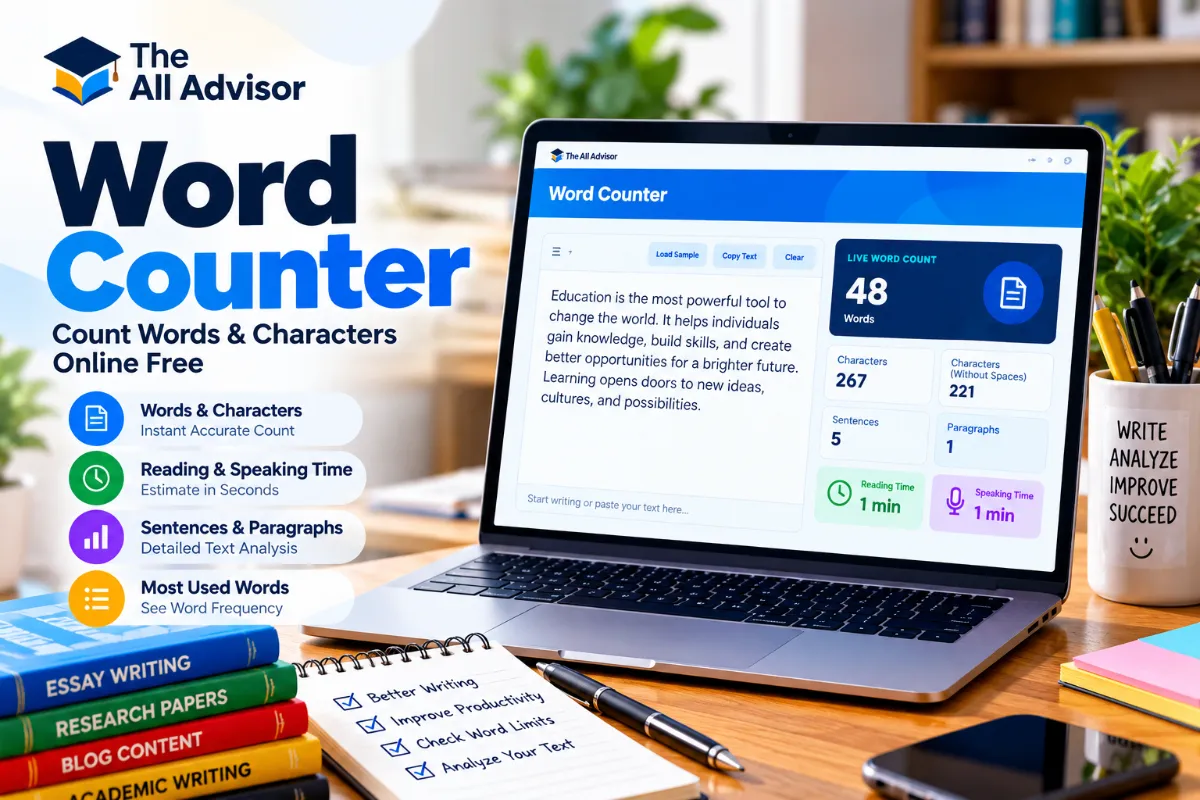
Word Counter – Count Words & Characters Online Free
Write or paste your text to instantly count words, characters, sentences and paragraphs, estimate reading and speaking time, and see frequently used words.
Count Words, Characters, Sentences and Paragraphs
The All Advisor Word Counter gives writers, students, editors and content creators an instant overview of text length. Paste or type text into the editor and the counters update automatically without requiring a separate calculate button.
How to Use the Word Counter
- Type or paste your text into the Focus Editor above.
- Check the live word count displayed beside the editor.
- Review additional statistics including characters, sentences and paragraphs.
- Check reading and speaking time when preparing articles, essays, scripts or presentations.
- Set a word goal to track progress toward a target length.
- Review frequently used words to identify repetition in longer writing.
How Does the Word Counter Work?
The tool treats groups of non-whitespace characters separated by spaces or line breaks as words. Character count includes letters, numbers, punctuation and spaces, while the no-spaces statistic excludes whitespace. Paragraphs are based on non-empty text blocks separated by line breaks.
These time values are estimates rather than exact measurements because reading and speaking speeds vary by person, content complexity and presentation style.
When Is a Word Counter Useful?
A word counter can help when a document has a length requirement or when you want a quick overview of your writing. Common uses include essays, assignments, articles, blog posts, reports, application statements, speeches, scripts and social media drafts.
Always follow the specific counting rules of your school, publisher, application platform or other destination when an official word limit applies, because different systems may count items such as hyphenated terms or symbols differently.
Frequently Asked Questions About Word Count
How do I count words in my text?
Paste or type your text into the editor. The live counter automatically displays the number of words without requiring you to submit the text.
Does the Word Counter count characters with spaces?
Yes. The Characters statistic includes spaces, and a separate No Spaces statistic shows the character count after whitespace is removed.
How is reading time calculated?
This tool estimates reading time using approximately 200 words per minute. Actual reading speed can be faster or slower depending on the reader and text.
How is speaking time calculated?
Speaking time is estimated using approximately 130 words per minute. Presentation pace, pauses and emphasis can change the actual duration.
Can I use this Word Counter for essays and assignments?
Yes. It can help track the length of essays, assignments, reports and other writing. For official submissions, check your institution’s own rules for what counts toward the word limit.
Does this tool show frequently used words?
Yes. The Most Used Words panel displays common meaningful words in the text while excluding a small set of basic stop words.
Is this online Word Counter free?
Yes. The All Advisor Word Counter is free to use online and does not require account registration.
Is my text uploaded to calculate the word count?
This version performs the displayed text analysis directly in your browser. The counter itself does not need to send your text to an external word-counting service.
